SEO Translation: How to Translate Your Website Without Losing Rankings
I've finished Semrush's International SEO course. Here's what it takes to translate your website without losing your Google rankings.
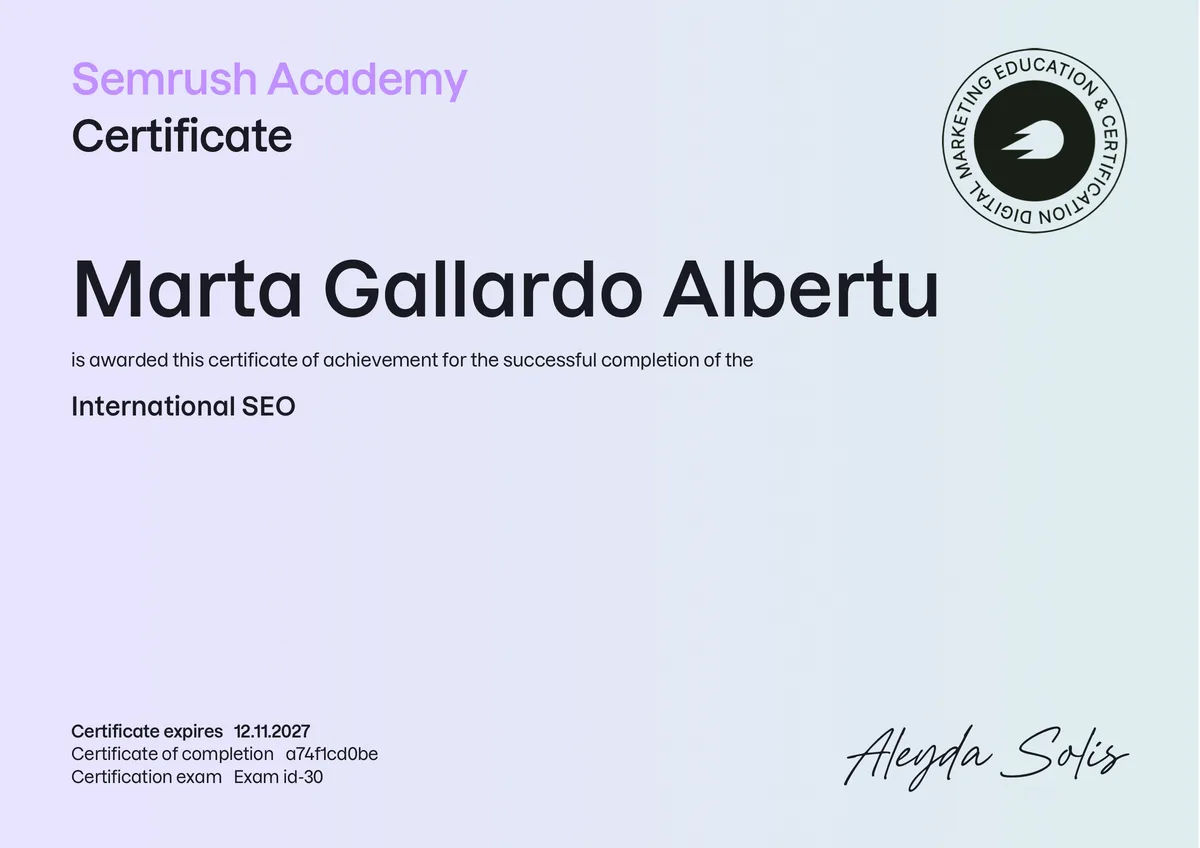
Last week I told you I was taking the International SEO course from Semrush Academy, taught by Aleyda Solis. I’ve now finished it and earned the certificate. If I had to sum up its thirteen lessons, it would be this: SEO translation isn’t about translating your text word for word. It’s about getting each language version of your website to rank in its own market: Google needs to know which version to show in each country, and each version needs to use the words people actually search for there.
In the first part of this series I talked about how to choose your markets. Today I’m covering what comes next: what it takes to translate your website without losing rankings. There are four pieces: URL structure, hreflang, localized content and monitoring.
What is SEO translation?
SEO translation means translating a website’s content with an eye on how people search in each language and country. A good translation isn’t enough on its own. It also has to use the words your customers type into the search bar, and the website has to be set up so that Google knows which version to show each person.
If you only translate the text, you can end up with flawless pages that nobody finds.
Where your languages live: subfolders, subdomains or country domains
The first step is deciding where each version of your website will live. The course presents three valid options:
- Country domains (ccTLDs), such as
yoursite.froryoursite.de. They build a lot of trust, because users see a domain from their own country. On the other hand, each domain starts from zero and needs its own content and its own links, so it’s the most expensive option. - Subfolders, such as
yoursite.com/fr/. They’re easy to set up and cheap to maintain. And every version benefits from the authority your domain already has. - Subdomains, such as
fr.yoursite.com. They’re a middle ground: each version works almost like a separate website, but they need fewer resources than several domains.
And one option you should never use: URL parameters, such as yoursite.com/services?lang=fr. Google doesn’t recommend them for separating languages.
On my own website I use subfolders (/en/ and /fr/). For a small business that wants to reach several markets with a single domain, it’s usually the most sensible choice.
Hreflang: how you tell Google which version to show
Hreflang is a tag added to each page’s code. It tells Google which language the page is in (and, if needed, which country it’s for) and which versions exist in other languages. That way, someone searching in French sees your French page and not the Spanish one.
This is what the block of tags looks like on a page with three versions:
<link rel="alternate" hreflang="es" href="https://yoursite.com/" />
<link rel="alternate" hreflang="en" href="https://yoursite.com/en/" />
<link rel="alternate" hreflang="fr" href="https://yoursite.com/fr/" />
<link rel="alternate" hreflang="x-default" href="https://yoursite.com/" />
The x-default value tells Google which version to show people searching in a language your website doesn’t offer.
The idea is simple, but it’s easy to get wrong in practice. These are the most common mistakes I saw in the course:
- The return tag is missing. If the Spanish page points to the French one, the French page also has to point back to the Spanish one. Otherwise, Google ignores the tag.
- Tags point to pages Google doesn’t index, for example because they redirect, return an error or have a
noindextag. - The country is given without the language. You can specify just the language (
fr), but never just the country. - The language code doesn’t match the page’s actual language. A page marked as French has to be in French.
Translating isn’t localizing: the content
This was the part that interested me most as a translator, and the course devotes several lessons to it. The main idea is that structure and hreflang are useless if the content doesn’t match how people search in each market.
That’s why, before translating, you need to research the keywords for each market, even when they share a language. The course’s example makes it clear: a Miami real estate agency expanding into the UK has to talk about flats, not apartments.
The course suggests creating international content in three phases:
- Make the most of what you already have. You start from content that already works in your current market and translate it with AI.
- Review by a native speaker. A native speaker who knows the industry and SEO reviews that translation and adapts it to the culture and the way people search in that market. The result is a first version ready to publish.
- Ongoing localization. You update the content and publish new content with references from the target market. This phase never ends.
Two concepts are worth telling apart here. Localization means adapting content to an audience’s cultural and linguistic preferences. Transcreation goes one step further: it blends translation and copywriting to convey the same message with references specific to the market.
I liked that the course doesn’t present AI and translators as alternatives. Machine translation is a good starting point, but not the final result. A native speaker’s review is what turns a correct text into one that ranks and persuades.
What I’ve applied to my own website
While doing the course activities with my own website, I realized that my German, Italian and Catalan pages were translated but not localized. I hadn’t researched how people search in those markets. So I’ve decided to remove them for now and redirect them to the Spanish and English versions, which I work on in depth.
In an upcoming article I’ll tell you about this change in detail and what effect it has had.
After publishing: monitoring
The course’s final idea is that international SEO doesn’t run on autopilot. Once the translated versions are live, you need to keep an eye on each one:
- In Google Search Console, check that Google crawls and indexes the new pages, and review their rankings in each country.
- With an audit tool, such as Semrush’s or Ahrefs’ Site Audit, check that your hreflang has no errors.
- In Google Analytics, look at visits and conversions by country.
- Whenever you change or delete a URL, check that the hreflang on all its versions points to the new URL.
My next goal
With the International SEO course finished, this week I’ve started a course on writing articles with AI. I want to understand which parts of content work can be automated and which need a person behind them. That will be the topic of the next article in this series.
Summary
| Piece | What it means | First step |
|---|---|---|
| Structure | Each language needs its own space on your website | Choose between subfolders, subdomains or country domains |
| Hreflang | Google needs to know which version to show each person | Check that each page links to its versions and they link back |
| Content | Translating isn’t enough: you need to localize | Research each market’s keywords before translating |
| Monitoring | Each version needs its own tracking | Check Search Console and your analytics by country |
How I Can Help You
If you want to translate your website and have each version rank in its market, take a look at how I approach SEO translation and international SEO, or get in touch directly.